
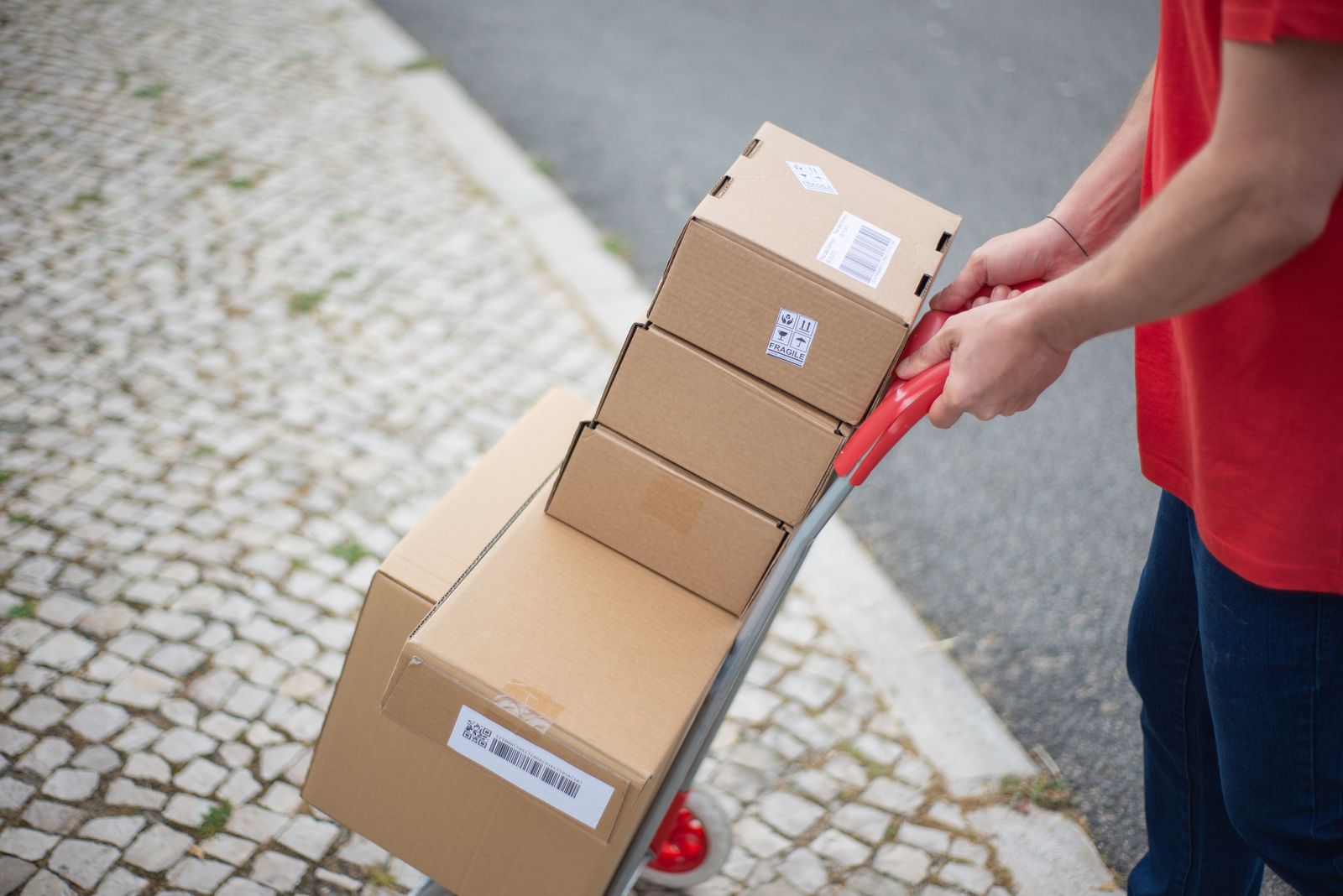
Excerpt: If your Thursday restock goes out to roughly the same 15-20 people every single week, and you're still retyping every name, number, and address from zero each time, the problem isn't your memory — it's that nothing from last week's batch is carrying over to this one. Here's how to fix that, with or without an app.
Every Thursday, the same list, rebuilt from nothing
Picture a seller who runs a weekly restock — thrift finds, skincare, provisions, whatever it is — every Thursday evening, same time, same regulars. She posts on WhatsApp Status and does a short TikTok Live. Within twenty minutes, fifteen or twenty of the same customers she's sold to for months have replied: "I want two," "same as last week," "send to my usual place."
Then the real work starts. Not packing the orders — that part she has down. The real work is scrolling back through five different chat threads, copying each name, each number, each address, one at a time, into a list for the rider. Someone's phone number gets transposed. Someone's "usual place" isn't written down anywhere, so she has to ask again, which slows the whole batch down while the rider waits. By the time the list is actually ready to hand off, twenty or thirty minutes have gone into typing information she already had, for customers she already knows.
This is a strange kind of inefficiency, because the hard part — finding customers, earning their trust, getting them to reorder — is already done. What's left is pure friction: re-entering the same data, for the same people, week after week, because nothing from last Thursday's batch carries forward to this one.
Why "just start again" is the default
Order-taking on WhatsApp, Instagram, and TikTok is conversational by design — that's exactly why it works for reaching customers. But a chat thread isn't a database. There's no field that remembers "this customer's address" from one order to the next; there's only a scroll-back history, and scroll-back history doesn't scale past a handful of regulars before it becomes its own chore.
So most sellers default to treating every batch as brand new, even when 80% of it is the same fifteen people they sold to last week and the week before that. It's not a lack of organization — it's that the tools being used (a chat app) were never built to remember a repeat customer's details for you. Somebody has to hold that memory, and by default, that somebody is the seller, doing it by hand, every single time.
The fix: separate "who I sell to" from "what I type each time"
The actual solution here isn't a new sales channel or a fancier storefront. It's building — once — a version of your regular customer list that already has the boring, unchanging parts filled in, so a new batch only requires you to fill in what's actually new: who's ordering this week, and what they want.
The manual version — works with a notes app and ten minutes
You don't need software to start this. You need one list, built once, and reused deliberately from then on.
1. Pull your last two or three restock batches. Go through the chat threads and pull out anyone who's ordered more than once.
2. Build one running roster — name, number, and standing drop-off point (a landmark or area description, not necessarily a full formal address) for each repeat customer. A notes app, a spreadsheet, even a physical notebook works — the format matters less than the fact that it exists in one place.
3. Every new batch, start from the roster, not from zero. Check off who's ordering this week, add anyone brand new, and only type fresh details for names that aren't on the list yet. A batch of eighteen orders might genuinely only require typing three or four new sets of details instead of eighteen.
4. Update the roster when something changes, not the whole list every time — if a regular customer moves house or gets a new number, that's a one-line edit, not a reason to rebuild anything.
This alone cuts most of the repeated typing out of a weekly restock, and it works regardless of which app you're selling through.
The one-tap version — a repeat batch as a saved template
The same idea exists as an actual feature now, not just a manual workaround. GoPiki added reusable delivery templates for bulk senders: a seller who regularly ships the same batch — same recipients, same pickup point, which is exactly what a weekly restock to regulars is — can save that batch as a template once and reapply it in a single tap on the next restock, instead of rebuilding it from scratch.
That template sits inside GoPiki's existing bulk dispatch tool for social sellers, which already handles the rest of a batch restock end to end: a seller can send up to 10 delivery orders in one batch, with GoPiki's AI reading the recipient's name, number, and address directly out of pasted WhatsApp or Instagram order messages, so even the new orders in a batch don't have to be retyped by hand. Batches of five or more get a 5% discount, one rider is assigned to the whole cluster of stops in a single action instead of orders scattering across several different riders, and each drop-off is confirmed with an OTP at the door — so there's an actual record the parcel arrived, not just a rider's word for it.
Put together, the weekly version of this looks like: open last week's saved template, swap in this week's new names, tap send. What used to take thirty minutes of retyping becomes closer to five.
This only matters if you actually have repeats
Worth being honest about the limit here: this is a fix for a repeat-order problem specifically. If every batch you send is genuinely fifteen new customers with no overlap from last week, a saved template won't help you much — there's nothing repeating to save. But most sellers running a regular restock schedule (weekly Lives, a standing WhatsApp broadcast, a monthly bulk order day) do have a real, recognizable core of repeat customers, even if it doesn't feel that way scrolling through chat threads one at a time. If you can name five or more customers who've ordered from you more than twice in the last month, you already have enough of a pattern to make a roster or a saved template worth building.
The takeaway
Your repeat customers are the easiest part of your business — they already trust you, they already know what they want, and they keep coming back on their own. There's no reason the delivery side of that relationship should require you to prove, in fresh typing, that you remember them every single week. Build the list once. Reuse it on purpose. Let the only new work each batch be the part that's actually new.
If your weekly restock keeps going to roughly the same people, see how GoPiki's bulk dispatch and reusable delivery templates for social sellers work, or download the app to try it on your next batch. For the signs it's time to move past ad hoc dispatch altogether, see the signs your social media business has outgrown "just message a rider", and for what to do when a single Live turns your usual batch into a surge, see what happens to fulfillment when a TikTok Live gets 20 replies at once.